 UniqueizerPRO
Video uniqueizer: what to look for when choosing one
Plenty of tools promise "unique creatives" and change one byte at the end of the file. Here is what genuinely makes a file different, and how to tell a working tool from an empty one in five minutes.
A real uniqueizer changes the picture: crop, rotation, colour, grain, video speed, compression, metadata. Anything that only edits the filename or the metadata does nothing. Look for batch mode, aspect ratios, audio handling and a numeric difference score.
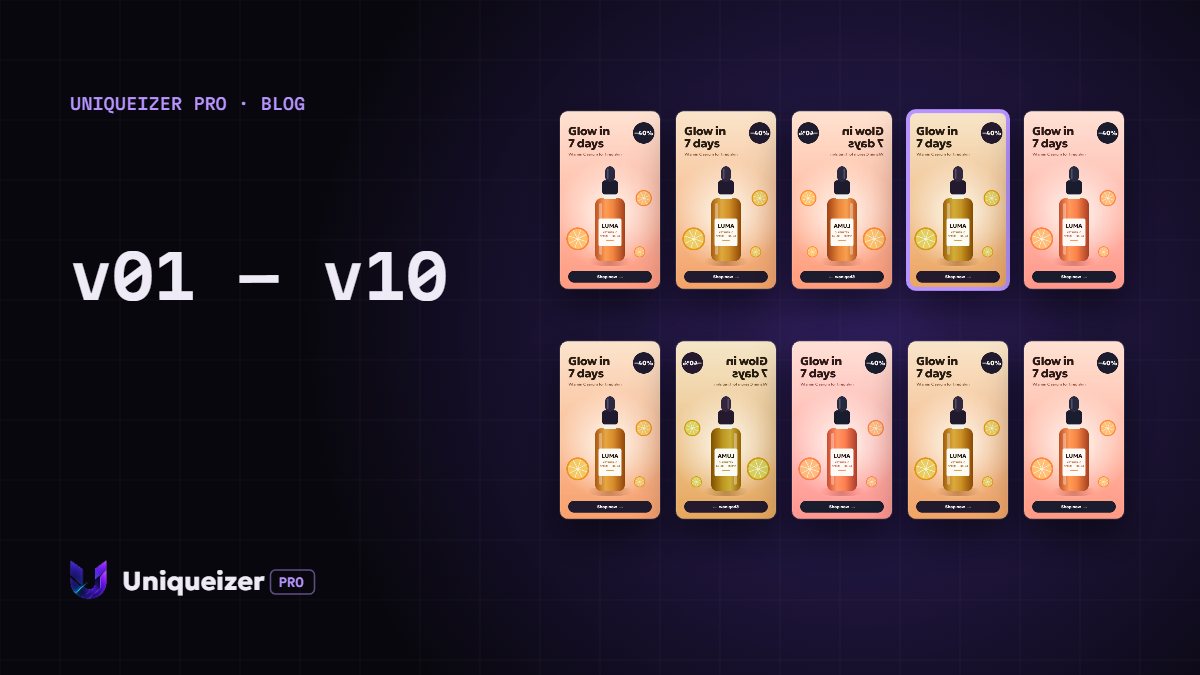
What "uniqueizing" actually means
A file counts as different when its content differs, not its name. So the tool has to touch pixels and frames — otherwise you get the same creative with a new label.
| What the tool does | Is the file really different? |
|---|---|
| Renaming | No |
| Editing EXIF metadata | Weakly — the picture is unchanged |
| Appending bytes to the end | Formally yes, visually and structurally no |
| Micro-crop, rotation, colour | Yes |
| Grain and re-compression | Yes |
| Changing video speed | Yes |
The checklist
- Batch mode. One file at a time is a demo, not a tool. You want 5–10 per run;
- Several parameters at once. Grain alone or crop alone is weak; the combination is what works;
- Intensity levels. There has to be a difference between "barely visible" and "clearly changed";
- Aspect ratios. 9:16, 1:1 and 16:9 from one source, not just the original shape;
- Audio. When speed changes, audio has to stay in sync or the clip is unusable;
- Filenames. A template like geo_offer_hook, or you will be renaming by hand;
- Difference score. A number, not a promise: you can see how far a variant moved;
- Preview. Before and after, so a ruined frame is caught before it reaches the ad account.
Three kinds of tool
| Type | Upside | Downside |
|---|---|---|
| Editor (CapCut and similar) | Full control, any change | Time grows with file count: 10 files is an evening |
| An ffmpeg script | Free, flexible | Someone has to write and maintain it; no preview |
| Online service | Batch, no install, with preview | Dependent on the service and its plan limits |
Signs of a tool not worth your time
- promises "guaranteed moderation approval" — nothing changes the content, so nothing can promise that;
- shows no result before download;
- breaks audio when speed changes;
- outputs files with identical names;
- cannot produce vertical from a horizontal source;
- makes all variants the same way — they differ from the original but not from each other.
What no tool will do
It will not invent the idea, rewrite the script, fix a weak offer or bypass platform rules. Uniqueization is the mechanical half of the work, after the creative half is finished.
If a creative does not work on its merits, ten variants of it will not work in ten different ways.
A five-minute test
- Take one real clipNot a test card.
- Make three variants at mediumCheck they differ from each other, not only from the source.
- Listen to the audioEspecially if speed changed.
- Look at the crop on a frame with a faceThis is where sloppy work shows.
- Read the filenamesThey should make sense in a report.
For the technical side of what makes files different, see why identical files hurt tests.
Questions people ask
Is changing metadata enough to make a file unique?
No. Metadata is a wrapper; the picture stays identical. The image or the video frames have to change.
Will processing degrade quality?
At a low level the change is barely visible. High levels are visible, which is why they are chosen deliberately and checked in a preview.
Can I just use a free ffmpeg script?
Yes, if someone will maintain it. The first run is easy; adding a new format three months later is where scripts die.
Does uniqueization guarantee approval?
No, and a tool promising that is a warning sign. The content is unchanged, so platform rules apply exactly as before.
How many variants should I make from one clip?
Three or four per ad set. Enough for a test and for rotation; more usually just spreads the budget.