Google Ads
Google Ads creative variants for cleaner performance tests
Google Ads spans Search companions, Performance Max, Demand Gen, YouTube, and more. Formats differ, but one habit transfers: variants should be intentional. This guide focuses on preparing image and video assets so experiments stay readable when you look back a month later.
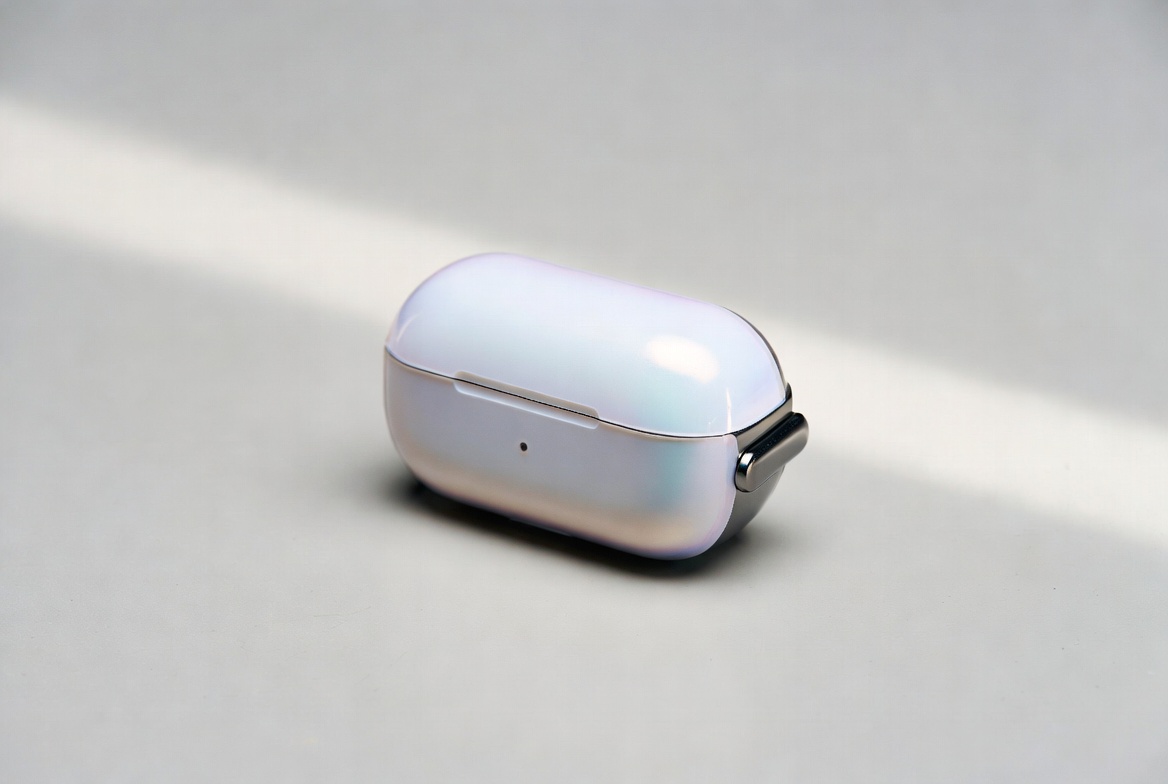
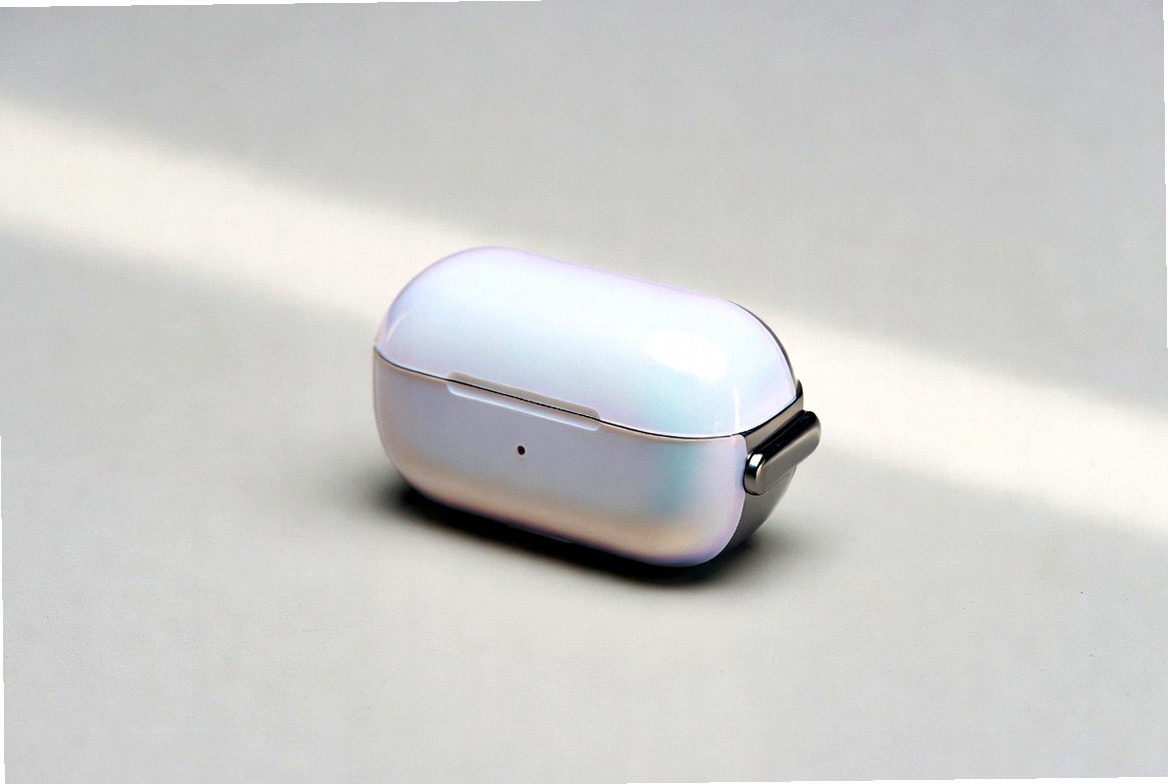
Illustrative only. Strength depends on level, preset and noise in the app.
Brand consistency and file uniqueness can coexist
Users punish mismatches between ad and landing page. Keep logo logic, core claim, and product truth stable. Uniqueness at the file level — subtle crop, grade, grain — can still sit inside that brand frame. If a variant looks like a different company, you changed the world, not just the packaging.
Operational reasons to keep a small variant pack
- Rotate assets without leaning on a single binary everywhere
- Run the same concept across geos with separable files
- Feed asset-heavy campaign types with a fuller but still coherent pool
- Hold a backup variant when one asset underperforms for non-offer reasons
Upload checklist
- Master approved by whoever owns brand.
- Aspect ratios match the placements you actually use.
- On-screen text legible on a phone-width screenshot.
- Technical variants labeled in your tracking sheet.
- Landing page mirrors the promise in the creative.
- Claims and offers remain policy-safe for your vertical.
Two failure modes
Too many near-duplicates with no hypothesis — dashboards fill with noise.
A single immortal file — you cannot separate creative fatigue from offer or audience issues.
Aim for a few meaningful message or design tests, plus light file variants for logistics.
Batch packaging
 UniqueizerPro can produce those photo and MP4 packs in bulk. Combine it with Google’s creative guidance and policy requirements; infrastructure does not replace either.
Working with mixed formats
A single concept may need a horizontal video, a square crop, and a static. Generate masters per aspect ratio first, then uniqueize within each ratio. Stretching one file into every shape usually hurts legibility. Uniqueizer Pro is strongest when each master already matches the placement shape you care about.
Document which variant sits in which asset slot. Performance Max and similar products can use many assets; your job is to keep that pool coherent so you can interpret results six weeks later without archaeology.
FAQ
Do technical variants replace new concepts? No. They package an approved concept into multiple files. New hooks and offers still need real creative work.
How strong should differences be? Strong enough to create a distinct file, mild enough that the ad still looks on-brand. Use lower strength when the design is delicate; higher when you only need operational separation.
Will this guarantee better delivery or approval? No tool can promise that. Platforms score and review content by their own rules. Focus on compliant, clear creatives first.
What file types work best? High-quality masters help. For video, MP4 is the practical standard in most ad managers. Keep size within your tool and platform limits.
Try batch uniqueization
Uniqueizer Pro creates photo and video variants for ad testing — crop, color, noise, speed. Free plan available.
Open Uniqueizer Pro